
Jump by topic
Pick a topic, then choose a screen inside it.
Website Setup · Step 1 of 32
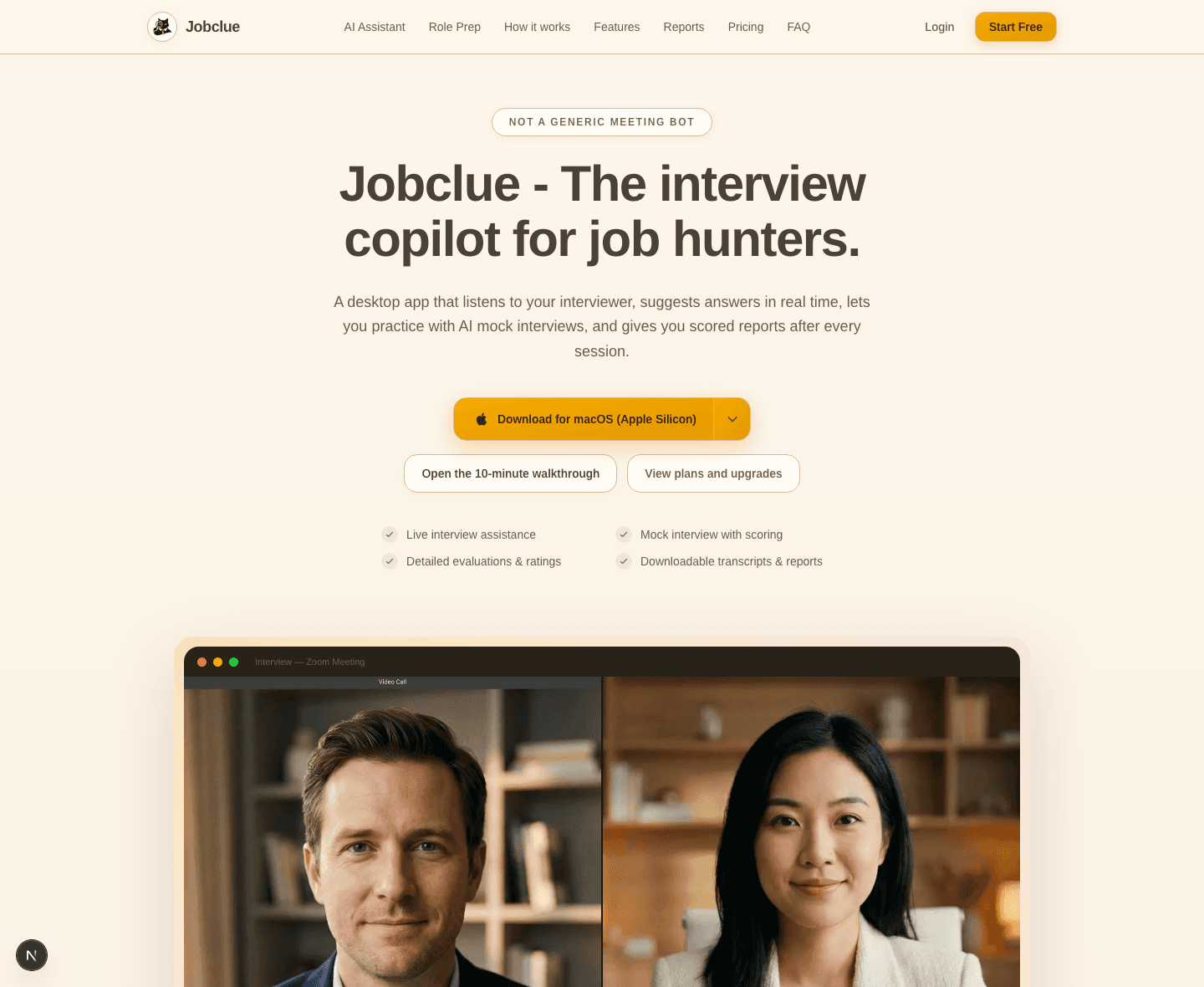
Start on the website homepage
Open on jobclue.ai first so users understand the whole product before they see the overlay.
What This Screen Is For
This homepage gives you the quick overview of what Jobclue does and where to begin.
This part happens on the public website before you move into the logged-in workspace or the desktop app.
Best used when: you are setting up the account, checking plans, or deciding how to move from the website into the desktop app.
Main Things You Can Do Here
- See the main promise: live interview help, mock interviews, and reports after each session.
- Open the walkthrough if you want a guided tour before signing up.
- Open pricing if you want to compare plans before creating an account.
What You Get From It
You understand that the website is the setup and account layer, while the desktop app is where the live interview support happens.
Typical next step: Move into sign-up, pricing, or the guided tour, depending on whether you want to create the account immediately or compare plans first.